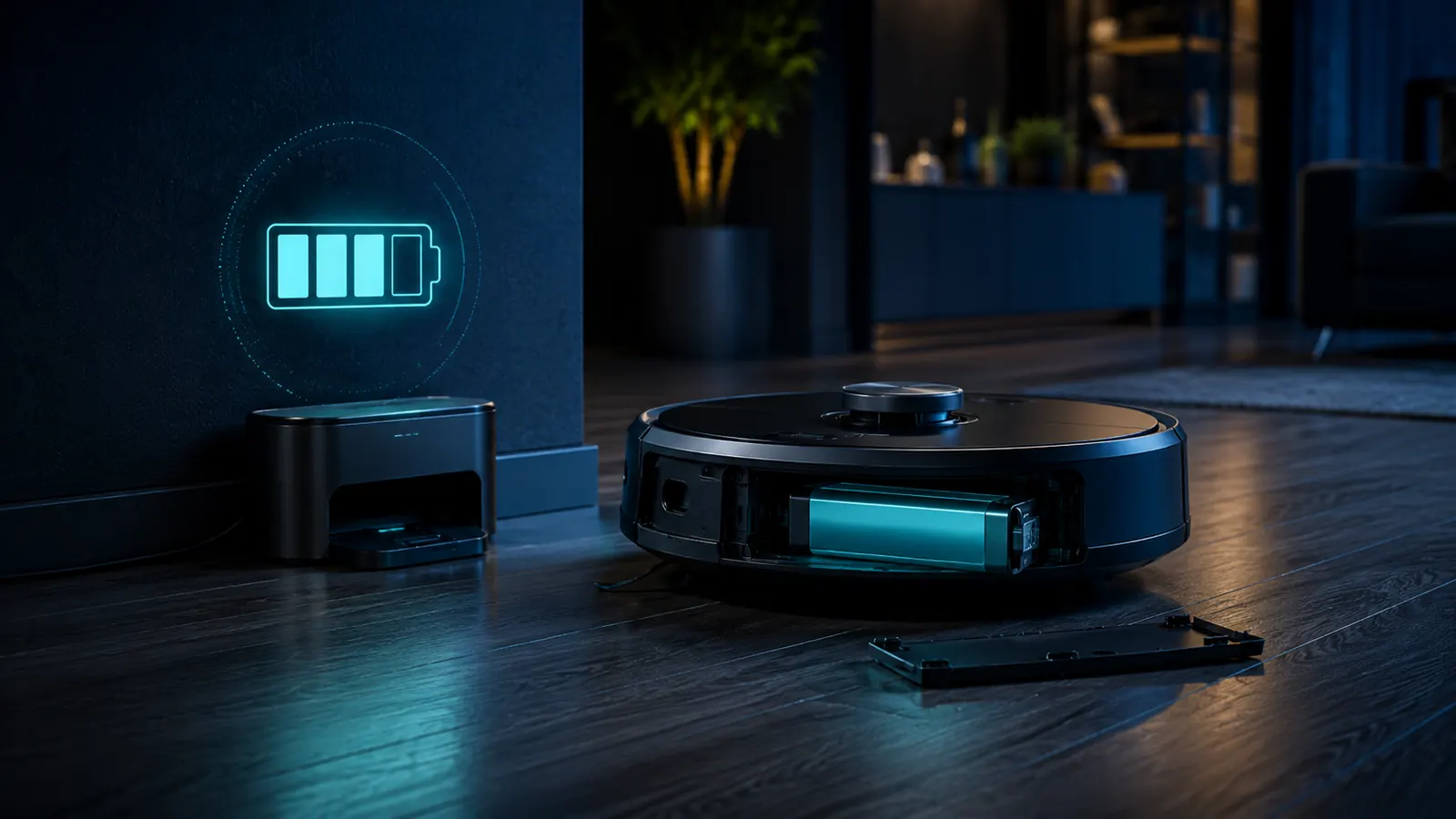
A robot vacuum with a tired battery often looks like a robot vacuum that needs replacing: it cleans less area, returns to the dock more often and may fail to finish jobs it once handled easily. But batteries are one of the most replaceable components on many robot vacuums, so declining runtime should usually trigger diagnosis before a whole-device purchase.
iRobot’s current support guidance says a properly cared-for Roomba battery should last at least two to three years before replacement. That is not a guarantee for every robot brand or household, but it is a useful benchmark for understanding that the battery is a consumable component rather than proof the robot itself is obsolete.
First rule out maintenance drag
A robot with hair wrapped around rollers, packed filters or resistant wheel assemblies has to work harder. iRobot explicitly says clogs and debris can increase strain and exhaust the battery faster. Clean the brushes, rollers, filter, wheels and charging contacts according to the model’s maintenance schedule before judging battery health.
Verify that the robot is actually charging fully
A dirty dock contact, power problem or charging error can produce short missions because the robot never starts at full charge. Confirm the app or indicator shows a normal full charge and check the dock connection. If the platform reports a charging error, follow the manufacturer’s error-specific troubleshooting rather than assuming every charging problem means worn cells.
Use runtime as evidence
iRobot publishes minimum runtime expectations for several Roomba series in its short-runtime troubleshooting guide. The company suggests a controlled test on hardwood after a full charge and says that models finishing below specified minimums may need battery replacement. The exact minimum depends on series, so use model-specific guidance.
A single unusually short mission is not enough. Carpet, obstacle density, suction mode, mapping behavior and repeated edge cleaning can all change runtime. Look for a persistent decline under similar conditions.
Battery errors can be more definitive
Some charging errors indicate permanent cell or internal battery faults. iRobot’s support pages for several charging-error codes state that the battery may need replacement if the error persists after the prescribed reset or reinstall procedure. That is stronger evidence than simply noticing a shorter cleaning cycle.
Is battery replacement economically worthwhile?
Usually the comparison is favorable when the rest of the robot is healthy. A modular battery is only one component, while replacing the robot discards motors, sensors, wheels, chassis, electronics and docking compatibility that may still be working normally.
Replacement becomes less attractive when the robot also has expensive navigation faults, damaged drive modules, unavailable brushes or no software support needed for core functions. In that situation the battery is one item in a larger repair stack.
What to check before ordering
- Exact robot model and battery compatibility.
- Whether the battery is still under warranty.
- Whether the charging dock and contacts are functioning normally.
- Whether the robot passes basic cleaning and mobility checks.
- Whether replacement batteries remain available from the manufacturer or authorized channel.
iRobot warns about non-authentic batteries on its platform and ties some charging errors and warranty concerns to aftermarket packs. Other brands have their own policies. Compatibility and safety are more important than buying the cheapest pack that physically fits.
Long-term battery care
iRobot recommends charging at room temperature out of direct sunlight, recharging after use, keeping the robot on its base when not in use and using ship mode or cool, dry storage for extended periods. Those points all reduce avoidable stress and preserve readiness.
When the battery is not the problem
If runtime is normal but the robot misses rooms, gets lost or repeatedly returns to the dock early, the cause may be mapping, sensors, software or navigation rather than capacity. Battery replacement will not fix a robot that thinks a mission is complete.
Treat battery replacement as a component repair: prove that capacity or battery electronics are the limiting factor, then replace the pack if the robot remains worth owning.
Before you spend money: document the symptom
Good troubleshooting becomes much easier when the symptom is described precisely. Note what the robot vacuum does, when it happens, whether the behavior is repeatable and whether anything changed immediately before the problem started. Record model and serial information before ordering parts or contacting service. If an error code appears, photograph it and use the manual for that exact model rather than relying on a code list for a different generation.
What Owngevity means by “repairable”
Repairable does not mean every owner should perform the repair. It means the product can reasonably be restored with available parts, appropriate tools and competent service. Electrical work, refrigerant circuits, lithium-ion battery packs, gas components and sealed pressure systems can create hazards that are not justified by a small saving. Owner maintenance should stop where the manufacturer’s documentation or your competence stops.
Robot vacuum runtime: prove battery wear before replacement
Compare actual cleaned floor area or completed minutes on the same power mode and similar surfaces, after cleaning the brush roll, wheels, sensors and filters as directed by the maker. A machine that works harder because of blocked airflow or tangled brushes can appear to have a weak battery.
Check docking contacts and whether the robot reaches a verified full charge. Repeated docking failures, a software schedule change or an aged pack can all reduce usable cleaning time; one short run is not a reliable battery-health measurement.
Use only model-approved replacement packs. Do not dismantle lithium-ion cells, force charging or use a robot with swelling, unusual heat or physical battery damage. If runtime recovers after maintenance, postpone replacement and record the result.
Robot vacuum: test the runtime decline before buying a pack
| What you observe | What to check or decide |
|---|---|
| Runtime has decreased gradually | Compare runs using the same mode and similar floor coverage. High suction, carpet-heavy routes and increased brush resistance can shorten a run without proving battery wear. |
| Robot fails to finish docking or charging | Clean accessible charging contacts as directed by the manufacturer; check dock alignment and power supply before attributing the problem to battery cells. |
| Sudden short runs after maintenance was neglected | Inspect brushes, wheels, filters and air pathways. Extra motor load can reduce runtime and trigger early returns. |
| Battery replacement is likely | Confirm an approved part for the exact model, the labor involved and whether the robot has other serious mechanical or navigation faults. |
A before-and-after comparison on the same route provides a more useful record than a single manufacturer runtime claim under idealized conditions.